POS Networking: WiFi, Ethernet, and Why Your Terminals Freeze
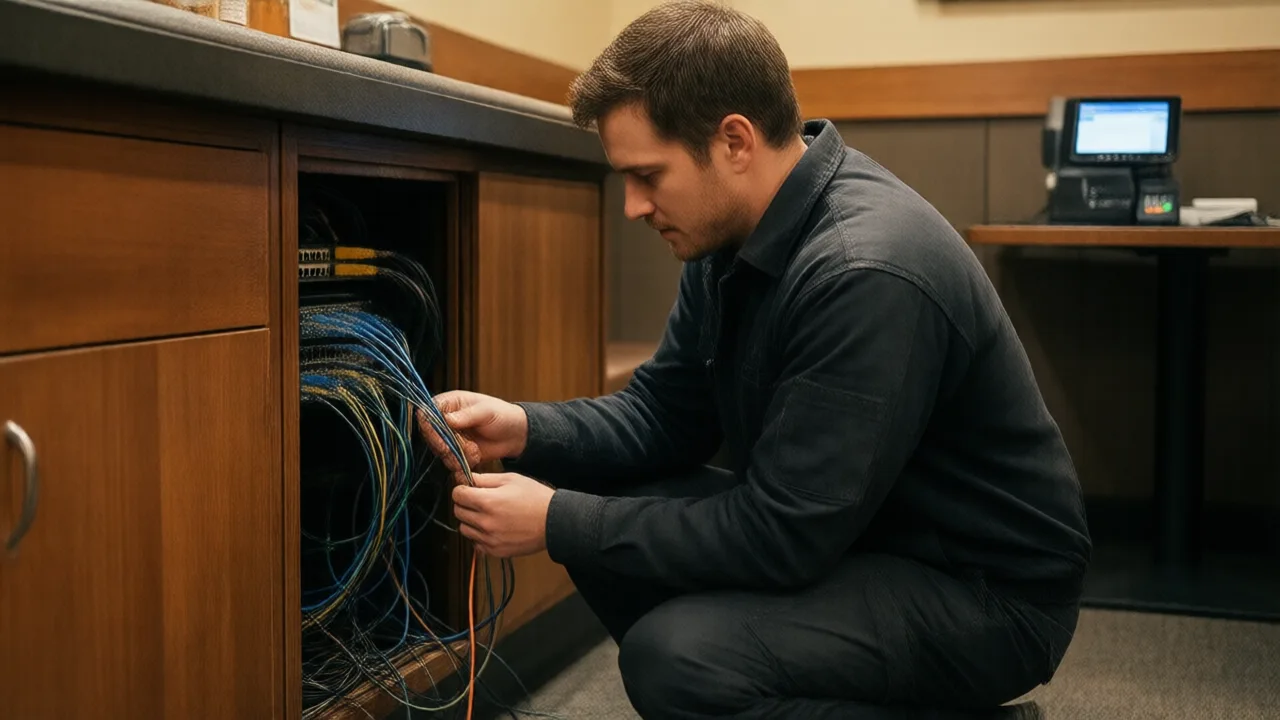
Ask an operator to describe their POS problem and you will usually hear a version of the same sentence: "It freezes when we get busy." Then comes the support ticket, and the vendor asks about software versions, and a technician remotes in on a Tuesday afternoon when the room is empty and everything works perfectly. The case gets closed. On Friday it freezes again.
What is actually happening is almost never a software defect, because software defects do not check the reservation book. They do not wait until 7:30 p.m., they do not affect terminal 3 more than terminal 1, and they do not resolve themselves at 9:15 when the rush thins out. Load-correlated failure is a network signature, and once you read it that way the diagnosis usually takes minutes rather than months.
The reason this goes unrecognized for so long is that restaurant networks are almost always built by someone who did not think they were building a network. An ISP tech installed the modem. A contractor ran two cables. Somebody plugged in a consumer mesh kit from a big-box store because the far corner had dead spots. Every step was reasonable in isolation. Together they produced infrastructure that carries payment traffic and cannot survive a full dining room.
What Your POS Actually Needs From a Network
Start by correcting the most common misconception, because it sends operators buying the wrong thing. POS traffic is tiny. A card authorization is a few kilobytes. A full cloud POS terminal averages under 100 kbps in normal service — less than a single music stream. Ten terminals, four printers, and three handhelds together consume less bandwidth than one guest watching a video at their table.
So upgrading from 300 Mbps to 1 Gbps almost never fixes a freezing terminal. What POS traffic actually requires is consistency: low latency, near-zero packet loss, and a connection that does not drop for even a moment during an authorization. Bandwidth is a highway width; what you need is a road with no potholes.
| Requirement | What POS actually needs | Common mistake |
|---|---|---|
| Bandwidth | Under 100 kbps per terminal | Buying a bigger internet plan |
| Latency | Stable, under ~100 ms to processor | Never measured at peak |
| Packet loss | Effectively zero | Assumed fine because "internet works" |
| Uptime | Continuous through the authorization | Roaming drops of 2–10 seconds |
| Isolation | Separate from guest traffic | One flat network for everything |
That last row deserves emphasis. When guest WiFi shares a network with your POS, forty phones auto-updating apps compete for the same airtime as your card reader. The internet connection may look fine on a speed test while your payment traffic waits in a queue behind someone's cloud photo backup.
The Freeze Diagnosis Table
Symptoms map to causes more reliably than most operators expect. Match yours:
| Symptom | Most likely cause | Fix |
|---|---|---|
| Handhelds drop as servers walk the room | Bad roaming between access points | Enable 802.11r/k/v, tune AP power down |
| Freezes only at peak hours | Channel congestion or router session limits | Separate guest VLAN, business-grade router |
| Kitchen printer misses random tickets | Printer on WiFi, or IP changed | Wire it, set a DHCP reservation |
| One terminal is always the bad one | Weak signal or damaged cable run | Test the cable, relocate or wire the AP |
| Everything dies at the same moment | ISP drop or overheating router | LTE failover, UPS, ventilate the rack |
| Devices fail after being off overnight | DHCP pool exhausted, stale leases | Enlarge pool, shorten lease time |
Two of these deserve more explanation, because they cause the most confusion.
Roaming. A server carrying a handheld from the patio to the bar crosses between access points. On consumer gear, the device clings to the original AP until the signal is nearly unusable, then drops and reconnects — a gap of two to ten seconds that lands, inevitably, mid-payment. Commercial access points with fast-transition standards hand the device off in well under a second. This single difference accounts for a large share of the handheld problems I see.
DHCP exhaustion. Default router configurations often hand out a small address pool with a 24-hour lease. Add guest phones — 200 of them on a busy Saturday, each holding a lease long after the guest has left — and the pool empties. Your POS terminal reboots, requests an address, and gets nothing. The terminal reports a software error; the actual problem is that the building ran out of phone numbers.
Wire Everything That Does Not Move
Here is the single highest-value rule in restaurant networking, and it costs less than most people fear: if a device does not physically move during service, it should be on a cable.
Fixed terminals, kitchen printers, kitchen display screens, the back-office computer, and stationary card readers all belong on Ethernet. Wireless is for handhelds, tableside payment devices, and tablets that genuinely travel. This one decision removes roaming, channel congestion, interference, and signal-strength problems from about 80% of your devices in a single stroke.
Kitchen printers are the most urgent case. A restaurant kitchen is a hostile radio environment — stainless steel surfaces, a walk-in cooler that behaves like a Faraday cage, microwaves radiating in the 2.4 GHz band, and metal shelving everywhere. Printers on WiFi in that environment drop tickets, and a dropped ticket is a table that never gets food until someone notices. A $40 cable run prevents an entire category of service failure.
Ethernet also brings Power over Ethernet, which lets one cable carry both data and power to access points and many terminals. That means fewer outlets in awkward places, and it means a single UPS in the network rack can keep your entire POS network alive through a brownout. Where a wire genuinely cannot reach — a patio, a converted historic building, a leased space that forbids drilling — run a dedicated access point with a wired backhaul if at all possible, and treat mesh as the last resort it is.
Real Numbers: A 140-Seat Restaurant Traces Two Years of "POS Bugs" to a Router
A 140-seat restaurant in Nashville had spent two years arguing with its POS vendor about freezes. Terminals hung during Friday and Saturday dinner, card readers timed out, and handhelds dropped constantly on the patio. The vendor found nothing wrong; the owner was mid-way through evaluating a full platform replacement at an estimated $22,000. A network assessment took ninety minutes and found four things: the ISP-supplied router was handling guest WiFi and POS on one flat network, all six access points were consumer units broadcasting on overlapping 2.4 GHz channels, three kitchen printers were wireless, and the DHCP pool held 50 addresses for a building that saw 180 devices on a Saturday. The rebuild — a business firewall, a managed PoE switch, three commercial access points, VLAN separation for guests, and cable runs to every fixed device — came to $3,900 installed. Freezes stopped that week. Over the following three months the kitchen logged zero missed tickets against a prior average of six to eight per week, and the $22,000 replacement was cancelled. The POS had never been the problem.
Guest WiFi Belongs on Its Own Side of the Wall
Separating guest traffic from POS traffic is both a security requirement and a performance fix, which makes it the rare upgrade that pays twice.
On the security side, PCI DSS expects the cardholder data environment to be isolated from untrusted networks, and a guest network is by definition untrusted. A laptop carrying malware onto a flat network can reach your terminals; on a separate VLAN it cannot see them at all. That principle sits alongside the rest of the practices in our guide to POS security and PCI compliance, and network segmentation is the one most often skipped because it is invisible when it works.
On the performance side, isolation lets you cap what guests can consume. A bandwidth limit of 5 to 10 Mbps per guest device is generous for browsing and streaming while guaranteeing your payment traffic never competes for the last slice of a saturated link. Combine that with a separate radio band for POS devices — put terminals and handhelds on 5 GHz, leave the crowded 2.4 GHz band to guests — and the two populations stop touching each other entirely.
Three configuration details that matter more than they sound: give the guest network its own SSID and its own VLAN, not just a different password; disable client-to-client communication on the guest side; and never, under any circumstance, put a kitchen printer or terminal on the guest SSID as a temporary fix. Temporary fixes in restaurants have a way of lasting four years.
Failover, and What Happens When the Internet Dies
Even a perfect internal network cannot stop a backhoe from cutting a fiber line three blocks away. Two layers of protection cover this, and they answer different questions.
The first is LTE or 5G failover — a cellular modem that takes over automatically when the primary circuit drops. Business-grade routers support this natively, and the running cost is typically $15 to $40 a month for a low-data plan that sits idle most of the year. For a restaurant doing $9,000 on a Saturday, one prevented outage repays several years of subscription.
The second is your POS's own offline mode. Ask precisely what happens when the internet vanishes mid-service: can servers still open tables and send tickets to the kitchen, can you still accept cards under a stored-and-forward floor limit, and how does the system reconcile when connectivity returns? The answers differ sharply between architectures, which is a central theme in the trade-offs between cloud and hybrid POS systems — hybrid designs keep a local server in the building precisely so the floor keeps running when the outside world does not.
What It Costs, and What to Buy
A correct single-location restaurant network is not an enterprise project. Realistic budget:
- Business firewall/router with LTE failover — $300 to $700
- Managed PoE switch, 16 to 24 ports — $200 to $500
- Commercial access points, 2 to 3 — $150 to $250 each
- Structured cabling to fixed devices — $75 to $150 per drop installed
- UPS for the network rack — $150 to $400
- Professional configuration — $500 to $1,200
All in, most operators land between $1,800 and $4,500. Set that against one Friday night of handwriting tickets and calling in card numbers, and the payback arithmetic is not close. It also protects the far larger investment sitting on top of it, since even the most rugged restaurant POS hardware is only as reliable as the network feeding it. If you want a wiring-level walkthrough before you brief an installer, this guide to POS networking with WiFi and Ethernet covers cable specs and access point placement in detail, and the restaurant POS terminal hardware pages list which models support PoE and wired networking out of the box.
One maintenance habit closes the loop: check the network on a schedule rather than during an emergency. A monthly look at access point client counts, DHCP pool usage, and switch port errors takes ten minutes and catches the slow drift that produces next quarter's mystery freeze — the same preventive rhythm described in our POS maintenance guide.
A POS That Tells You When the Network Is the Problem
KwickOS runs on wired or wireless terminals, keeps the floor moving through connectivity drops, and surfaces device connection health so you can see which terminal is losing the network instead of guessing which one is buggy.
Review the KwickOS buyer checklist →The Bottom Line
If your terminals freeze when the room fills up, stop reading release notes and start reading the network. Load-correlated failure has a cause, and it is nearly always one of five: shared guest traffic, consumer access points, wireless devices that should be wired, an undersized DHCP pool, or a router that cannot hold the session count of a full dining room. Fixing all five costs less than a single POS terminal and less than one weekend of chaos. The network is the least visible part of your restaurant technology, and it is the part every other piece silently depends on.